

Send a support request
1
Open Get help
Click Get help at the bottom of the left sidebar.
2
Describe what you need
Tell us what you need a hand with. You can attach screenshots or files if they’ll help us understand the problem.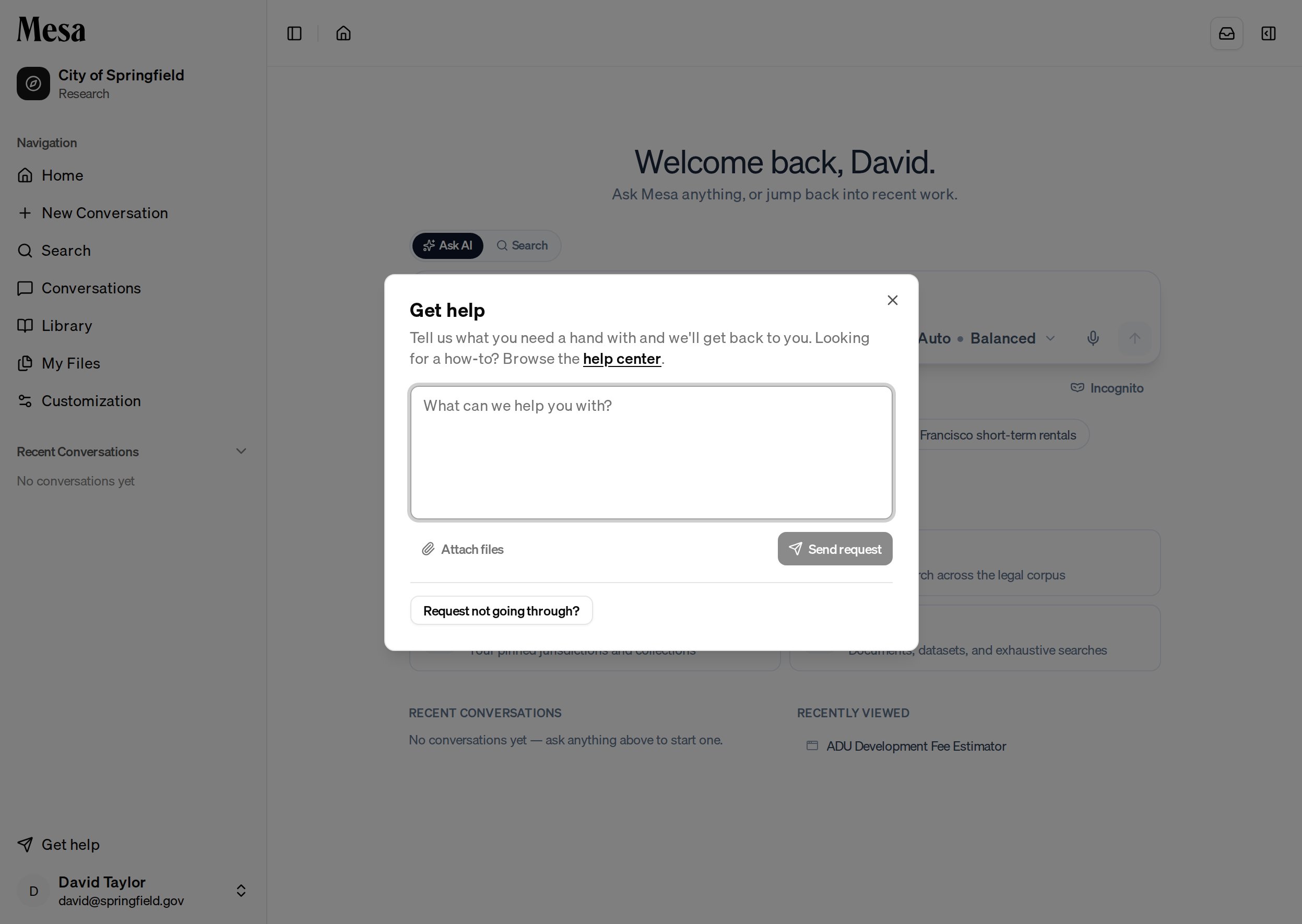
3
Send the request
Click Send request. You’ll get a confirmation with a reference code, and an email confirming we received it. We’ll follow up by email.
Mesa automatically includes a bit of technical context with your request (such as your app version and browser) so we can diagnose issues faster. If the request won’t go through, open Request not going through? to copy that context and email us directly at support@calderapbc.com.
Related articles
Navigation
Find your way around the sidebar, top bar, and side panel.
Getting started with Mesa
New to Mesa? Walk through your first conversation.