

Search vs. Ask AI
The Home composer has two modes. Toggle between them above the chat box.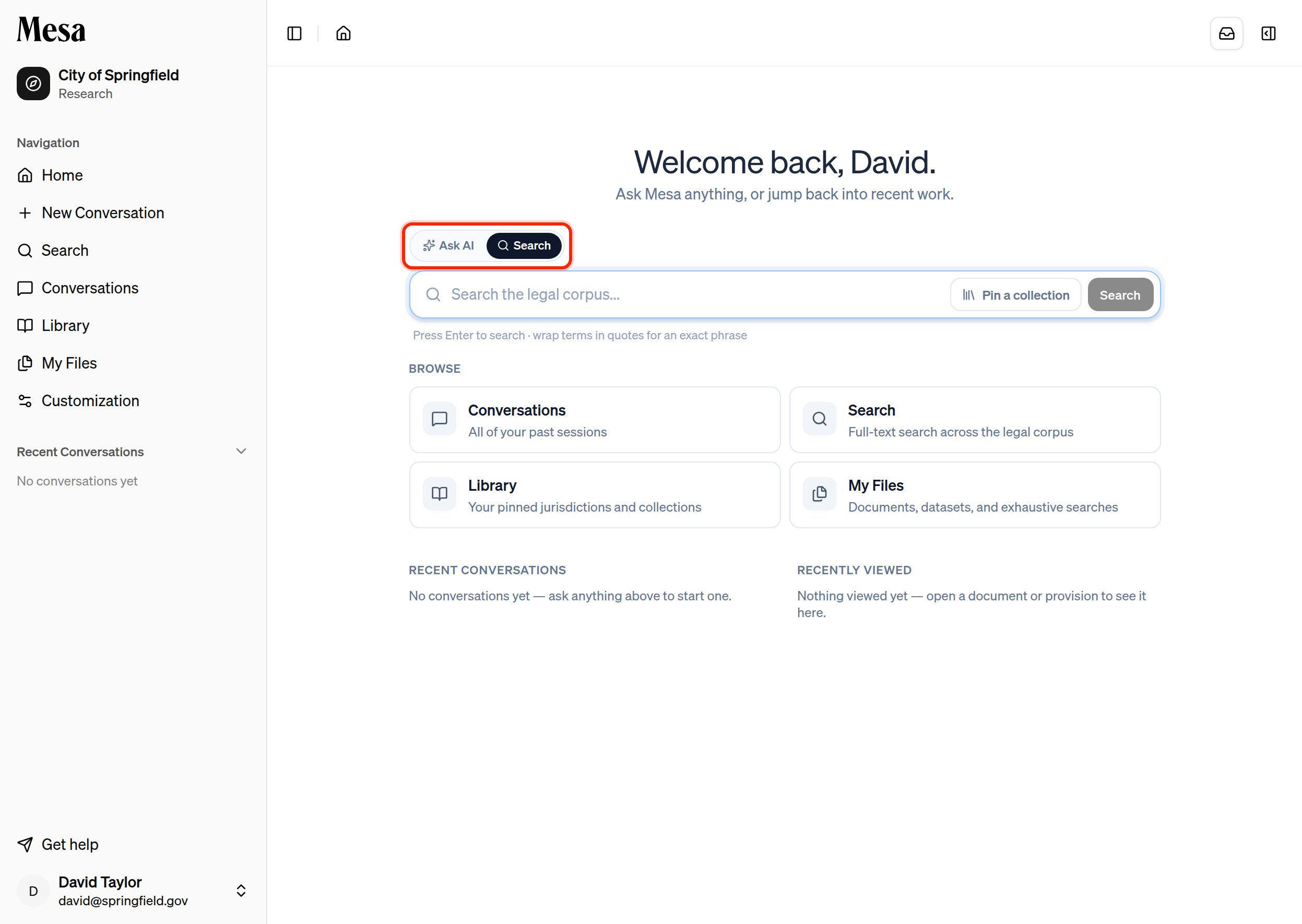
Pick Search, type your query, and press Enter to open the results on the Search page.
Require an exact phrase
By default, Search matches the words in your query flexibly. To require an exact, contiguous phrase, wrap it in quotation marks. Mesa treats the quoted text as a hard constraint: only passages that contain the phrase exactly are returned.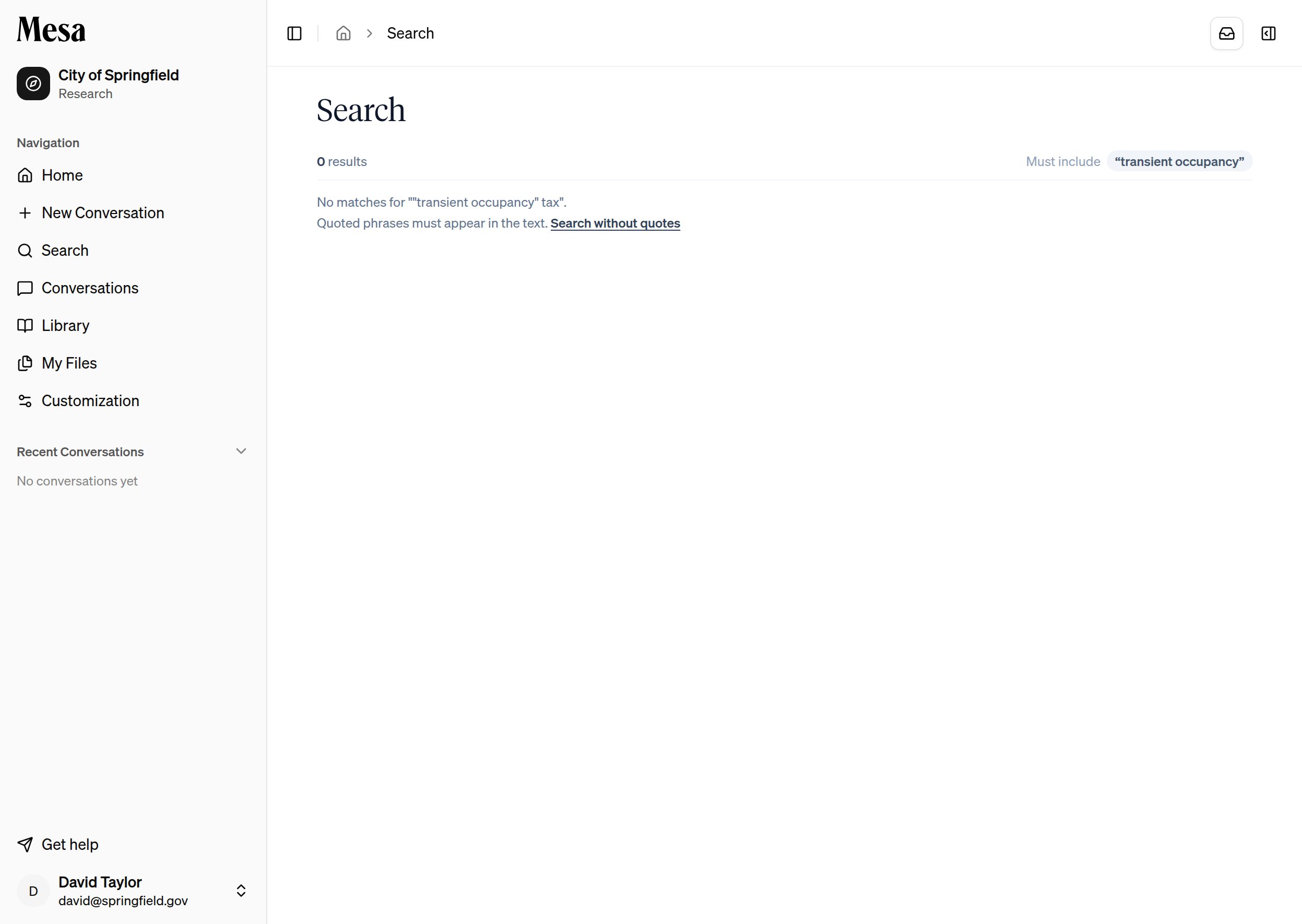
- You can combine a quoted phrase with other, unquoted terms in the same query.
- The active phrase constraints appear as Must include chips above your results, so you can see exactly why the list is narrow.
Jump straight to a section
When you’ve pinned a collection, Search suggests matching section titles as you type. After two characters, a short list of sections whose titles match your text appears beneath the box, each with a breadcrumb showing where it sits in the code. Use the arrow keys andEnter, or click a suggestion, to open that provision directly; handy when you know the section you want by name and would rather jump to it than scan a results list. Press Enter without picking a suggestion to run a normal search instead.
Narrow the scope
Use Pin a collection next to the search box to limit results to a single jurisdiction, regulation, or collection instead of your entire corpus. Clear it to search everything again. You can also search from inside a piece of content: while reading in the Library, choose Search only this section to keep results within the page you’re on.Open a result
Each result links to the provision in the Library, where you can read it in full, annotate it, or pin it. Your query stays on the Search page, so you can move between matches without re-running the search.Related articles
Library
Browse and read the legal content that Search draws from.
Batches
Have the agent check every item in a corpus, not just the best matches.
Models
Switch to Ask AI to have an agent reason over the corpus for you.