

Open the audit log
Click your organization name in the top-left corner, select Organization, then choose Audit Log from the sidebar.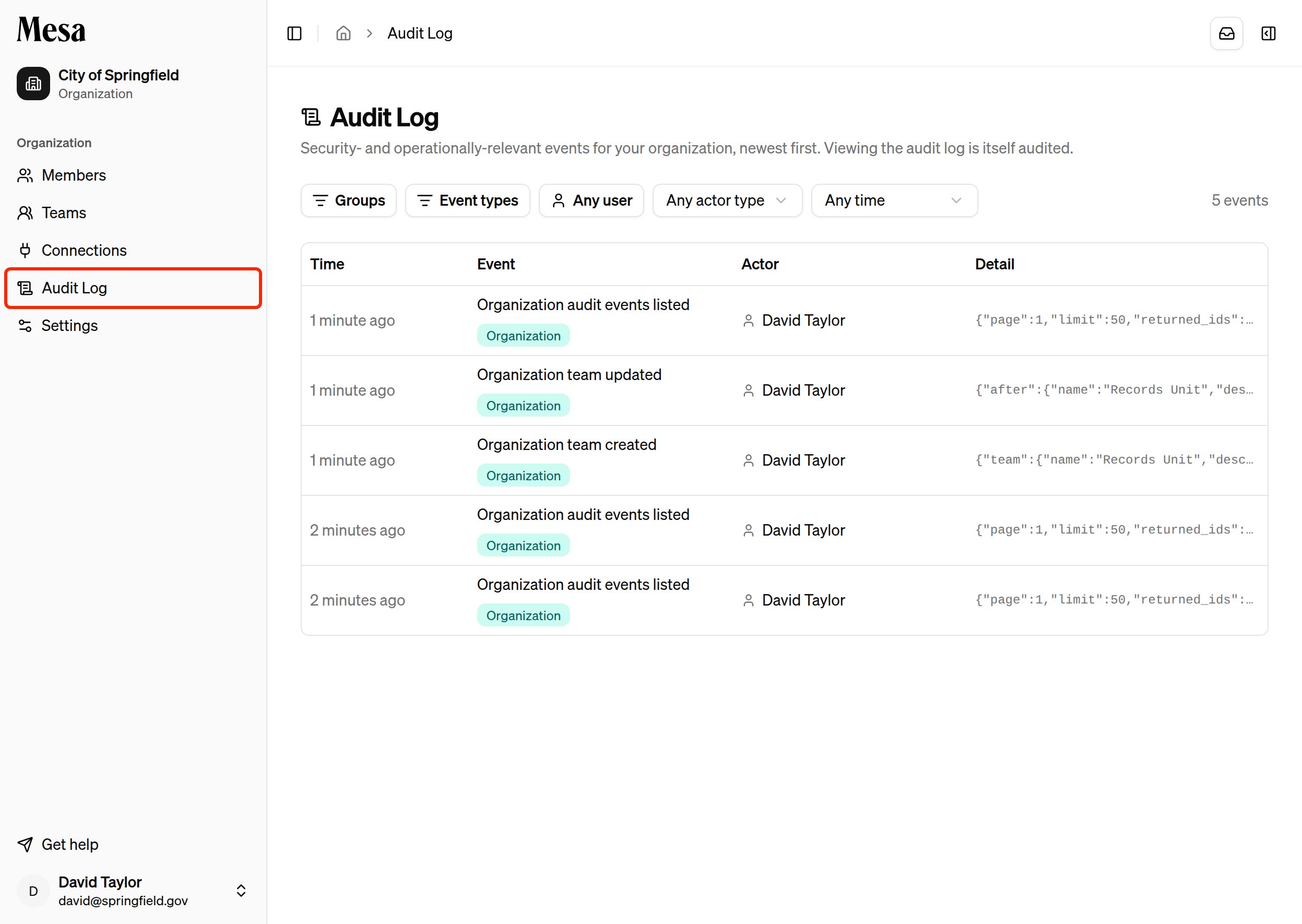
Filter events
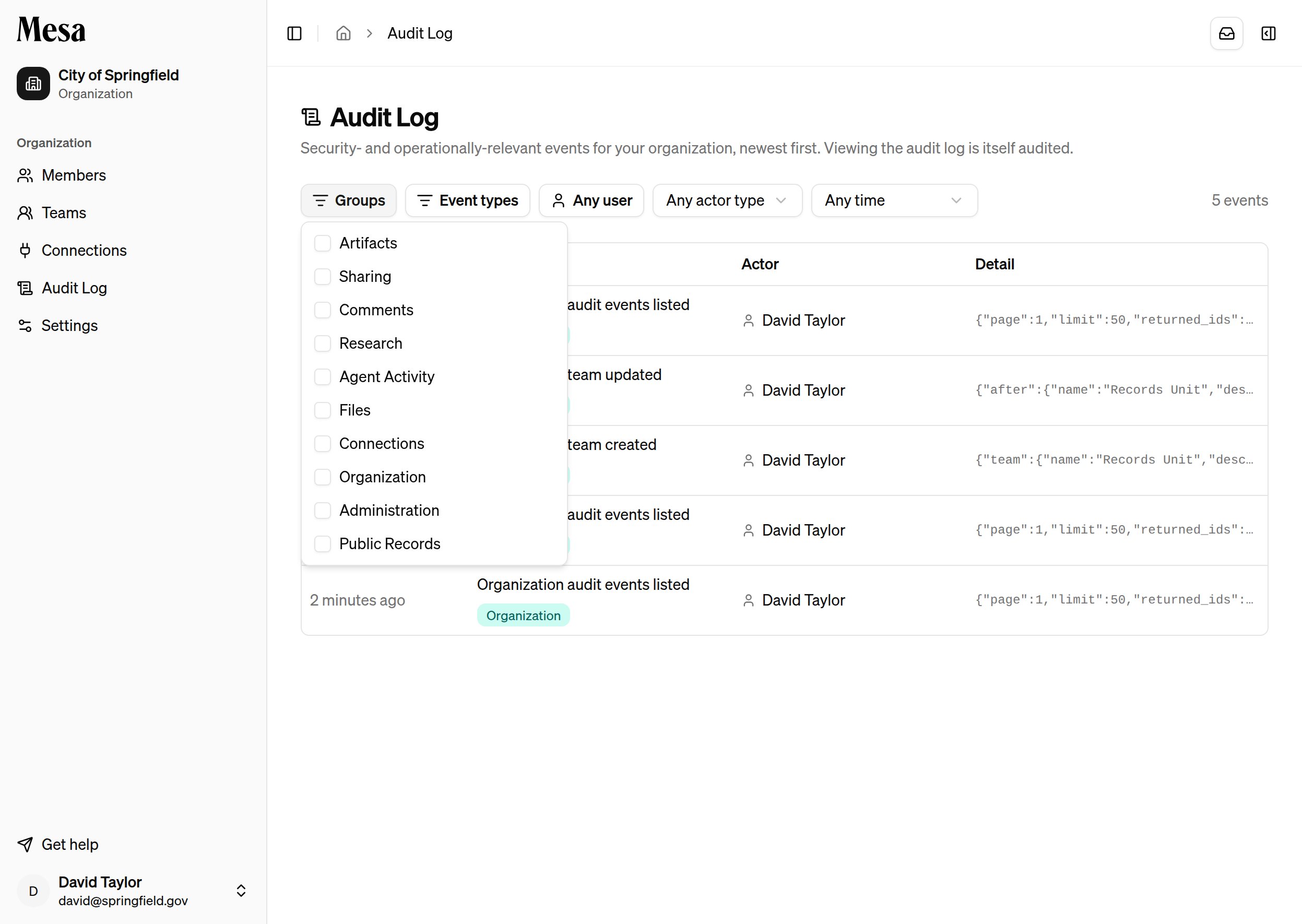
The filter bar narrows the log along several dimensions, and filters combine:- Groups: limit to one or more event categories, such as Sharing, Files, Organization, or Agent Activity.
- Event types: pick specific event types by name, with a search box to find them quickly.
- User: show only events by a particular member.
- Actor type: distinguish actions people took themselves (Human), actions an agent took on someone’s behalf (Agent), and automatic platform activity (System).
- Time: restrict to the last hour, 24 hours, 7 days, or 30 days.
Inspect an event
Click any row to open the event’s detail panel. It shows the full event type, the event’s unique ID, the actor with a link to their member profile, and the complete detail payload, including before-and-after values for changes.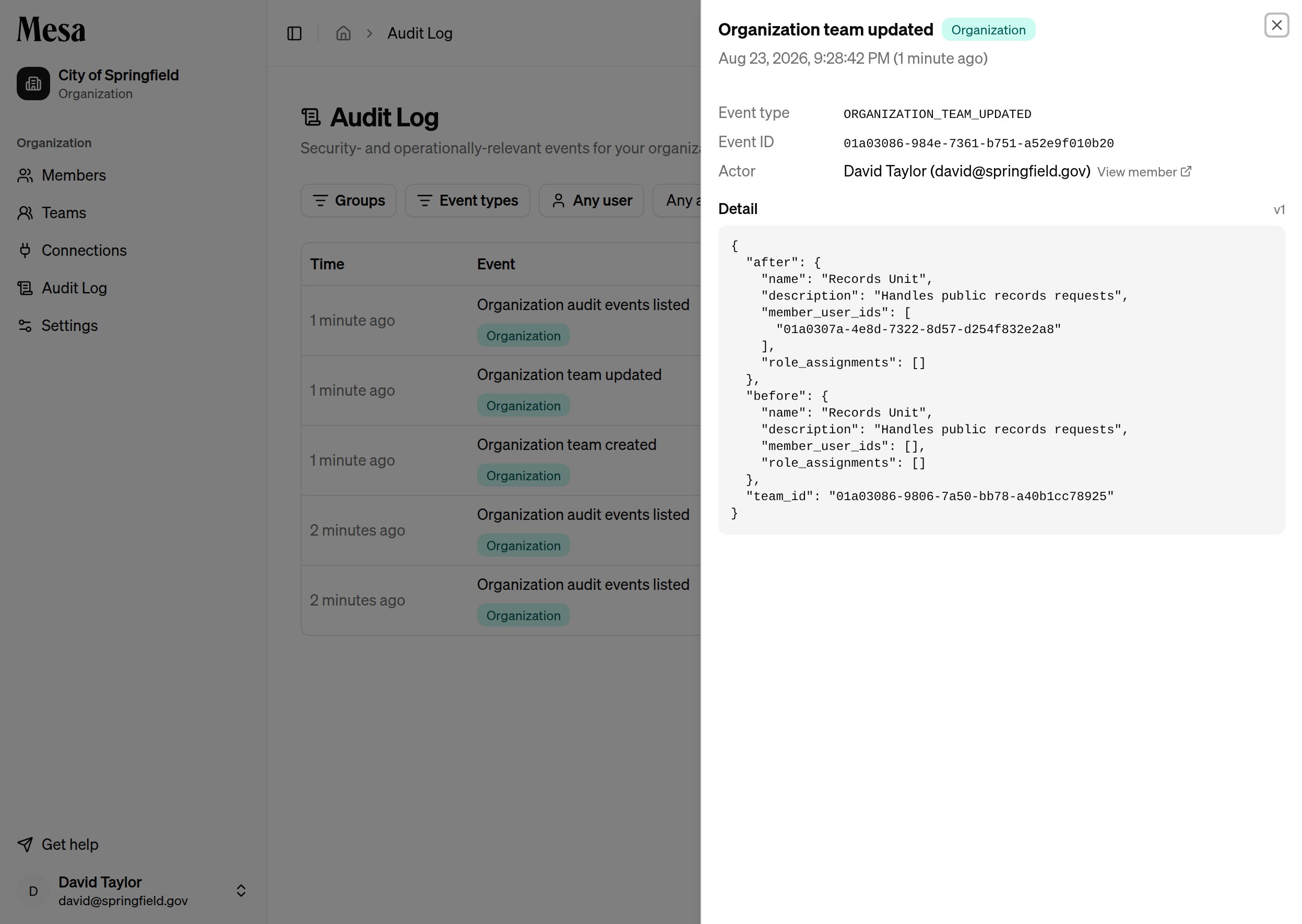
Actions taken by an agent during a conversation are attributed to the member who ran the conversation, marked with a via agent badge in the event detail.
Related articles
Organization admin
Add members, assign roles, and monitor usage across your workspace.
Organization settings
Set organization-wide configuration like your organization’s timezone.
Teams
Group members into teams so they inherit the same permissions.