

Start an incognito conversation
1
Open the composer
Go to the Home page or start a New Conversation. Both composers have an Incognito toggle beneath the message box.
2
Turn on Incognito
Click Incognito. The toggle fills in and a notice confirms the conversation is private.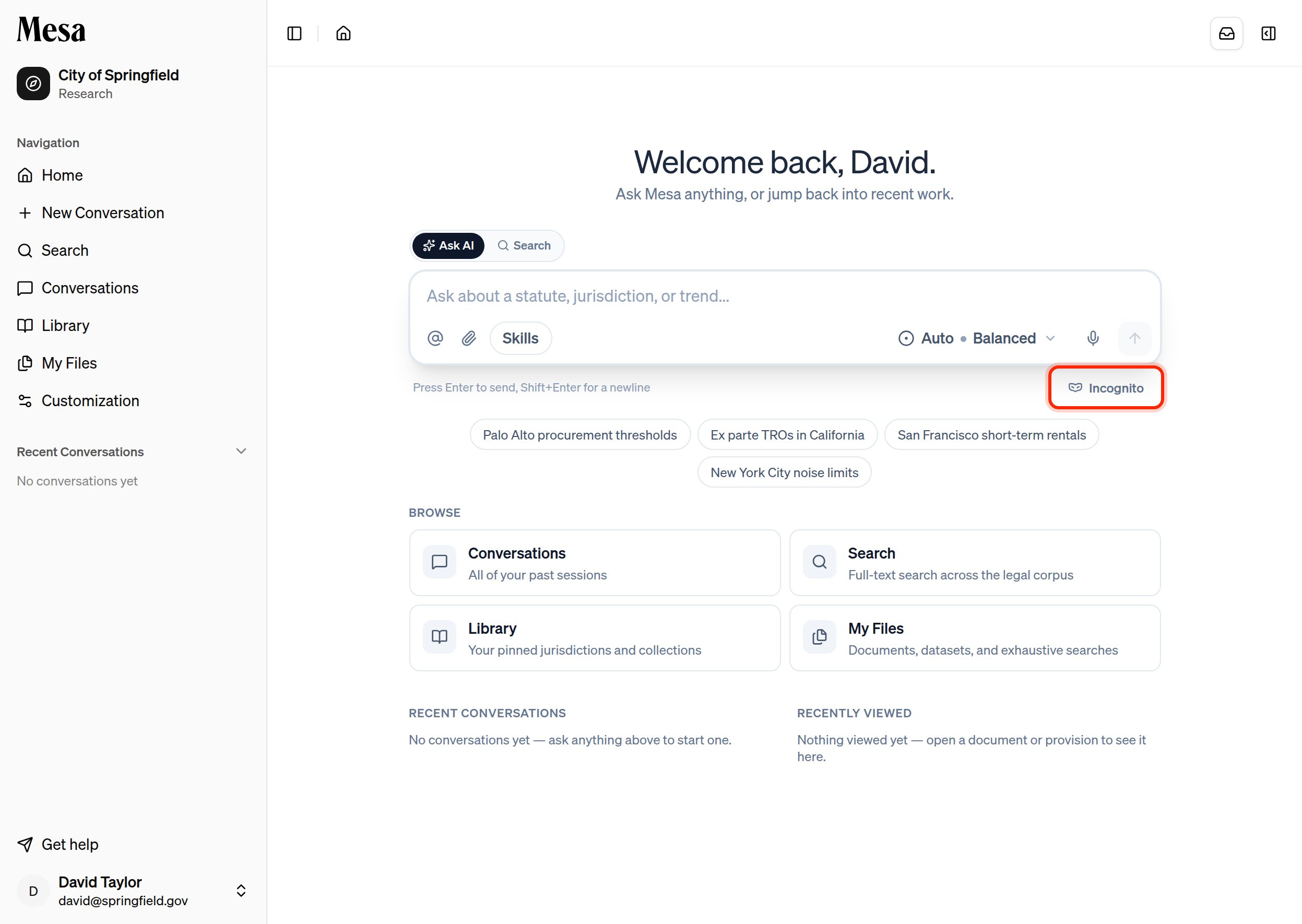
3
Ask your question
Send your message as usual. The conversation carries a subtle patterned backdrop and an Incognito badge so it’s always clear you’re in a private session.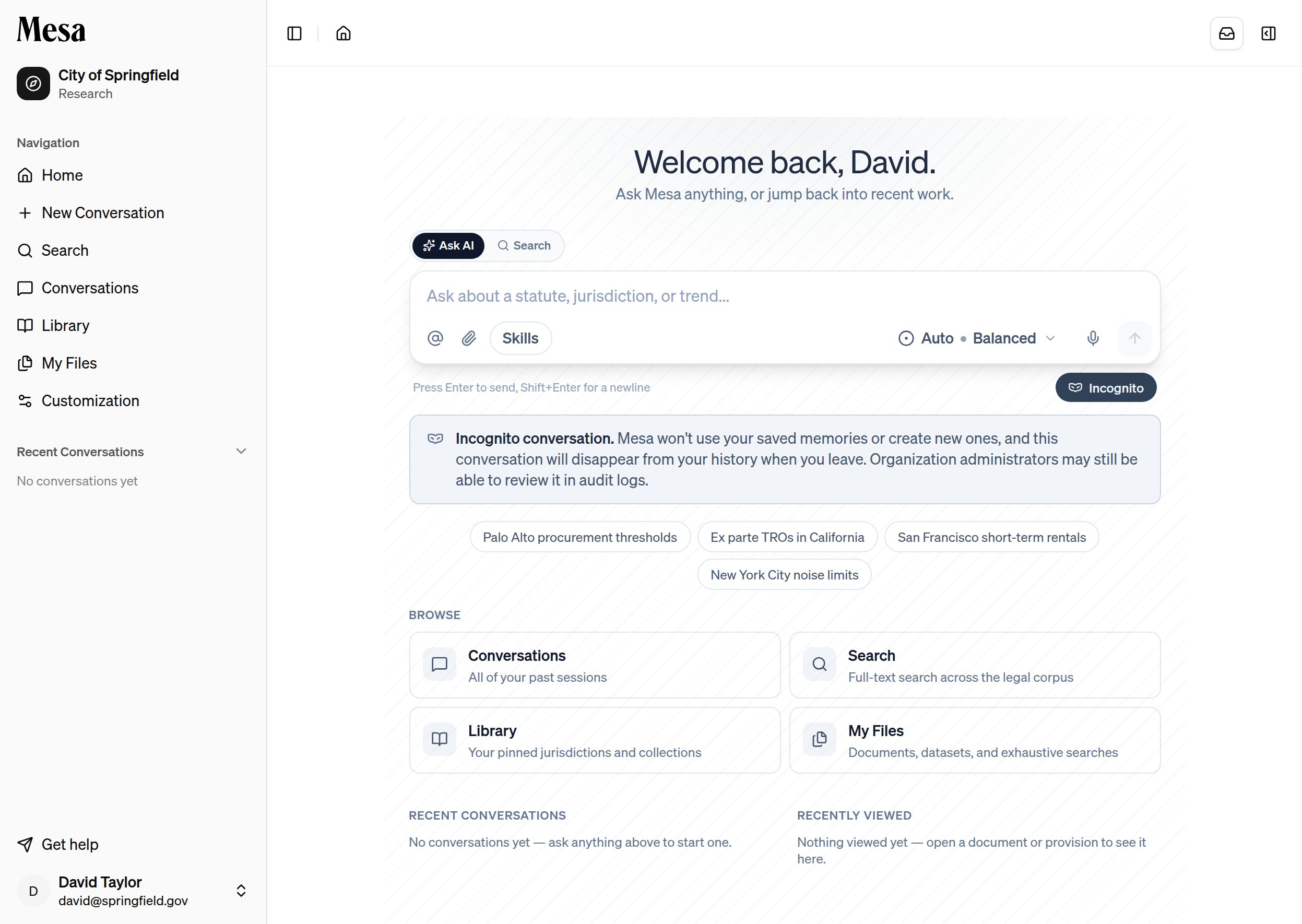
What incognito changes
An incognito conversation leaves your history the moment you navigate away. If you want to keep the work, save any results to your Files before you go.
Related articles
Preferences
Manage the memories that incognito conversations deliberately skip.
Text editor
Learn the rest of the composer controls around the Incognito toggle.