

Open the Agents page
Open the Organization page and choose Agents from the sidebar. The page lists your organization’s agents with their email, roles, teams, and credits used. Switch between Active and Inactive to see deactivated agents.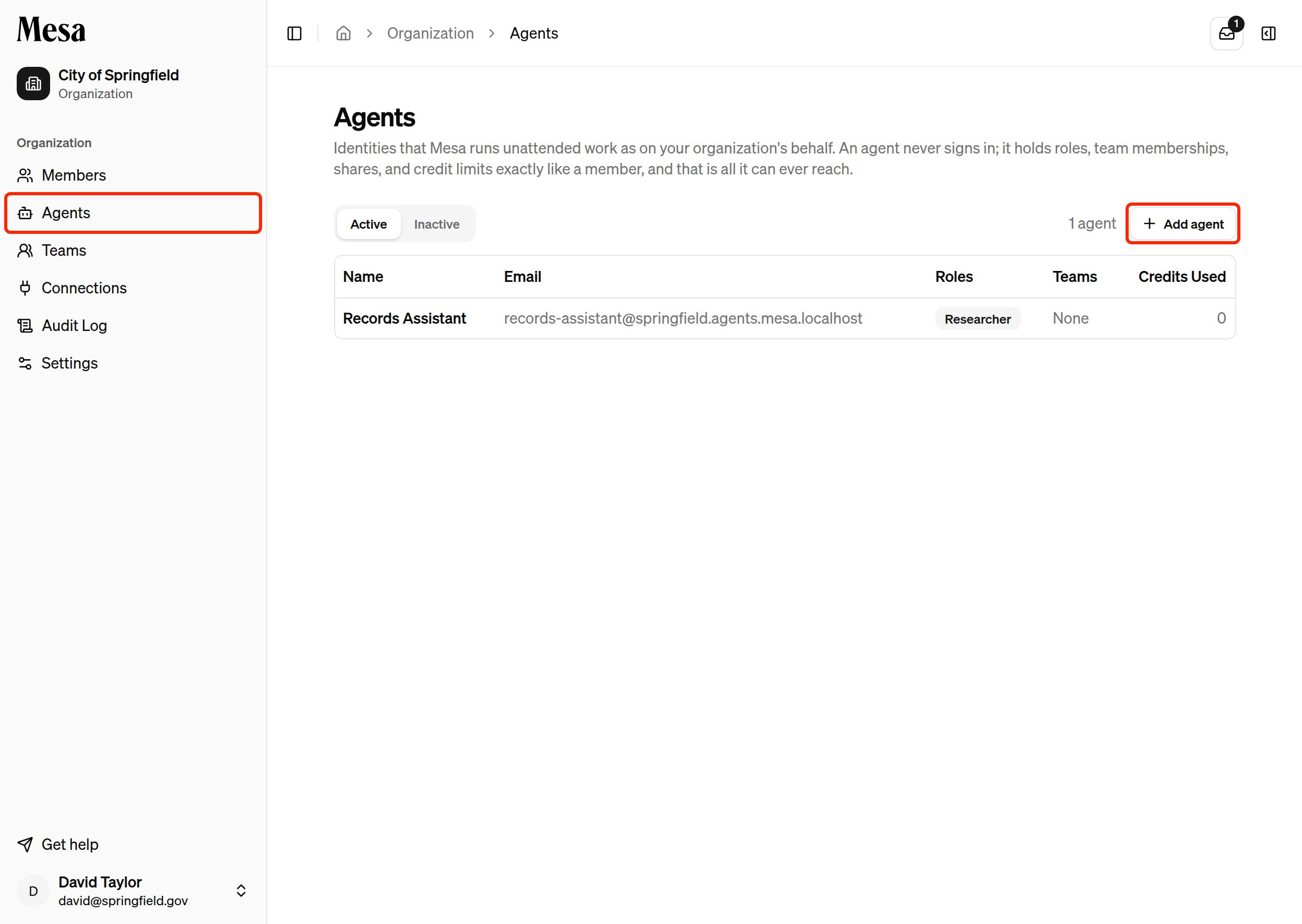
Agents are listed only on the Agents page. The Members list shows people only.
Add an agent
1
Start a new agent
Click Add agent on the Agents page.
2
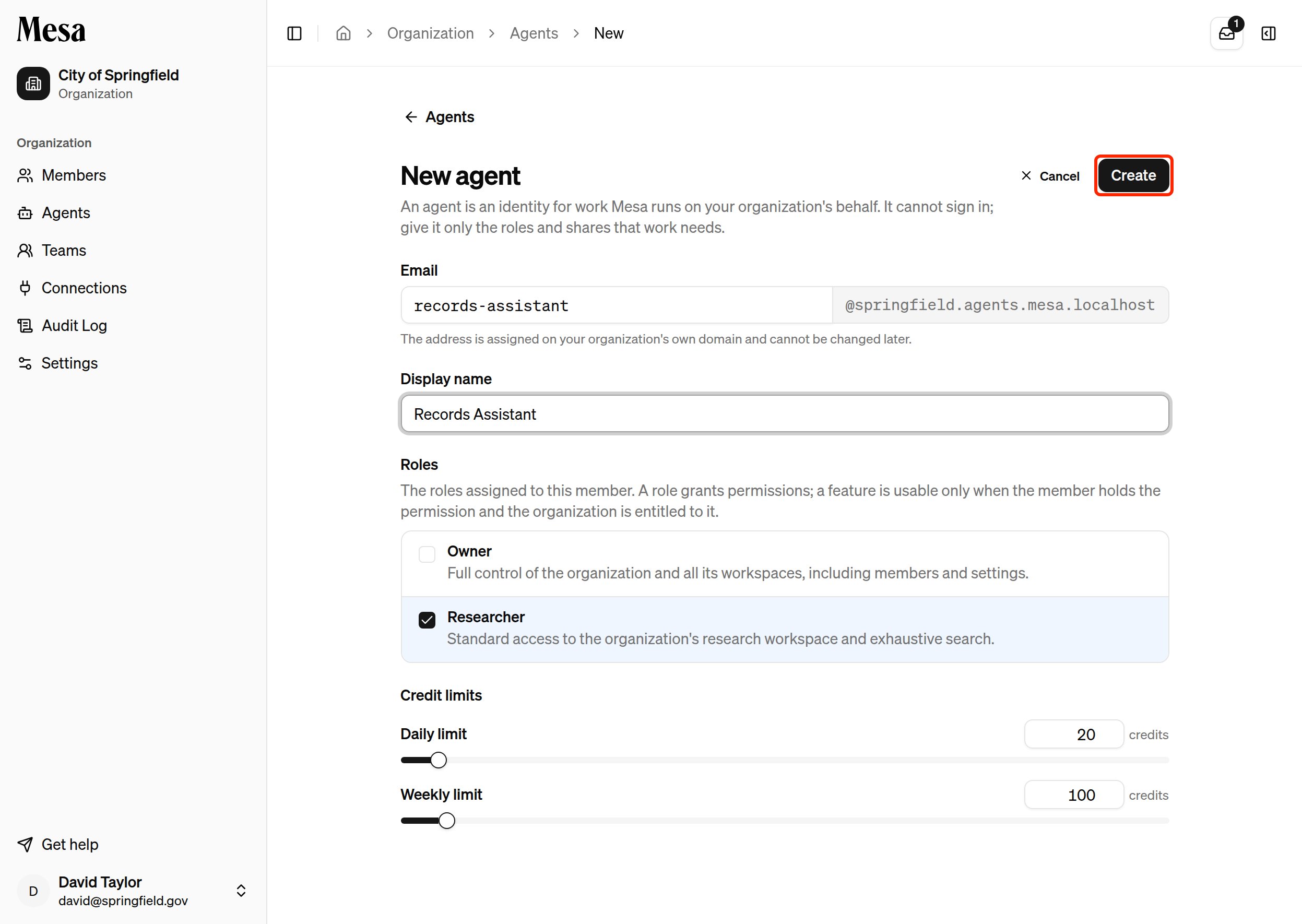
Fill in the details
- Email: enter the first part of the address. Mesa assigns the rest on your organization’s own agent domain. You can’t change the address later.
- Display name: the name members see wherever the agent appears.
- Roles: the roles the agent holds, just like a member’s.
- Credit limits: the agent’s daily and weekly limits.
3
Create the agent
Click Create. Mesa opens the agent’s page.
Manage an agent
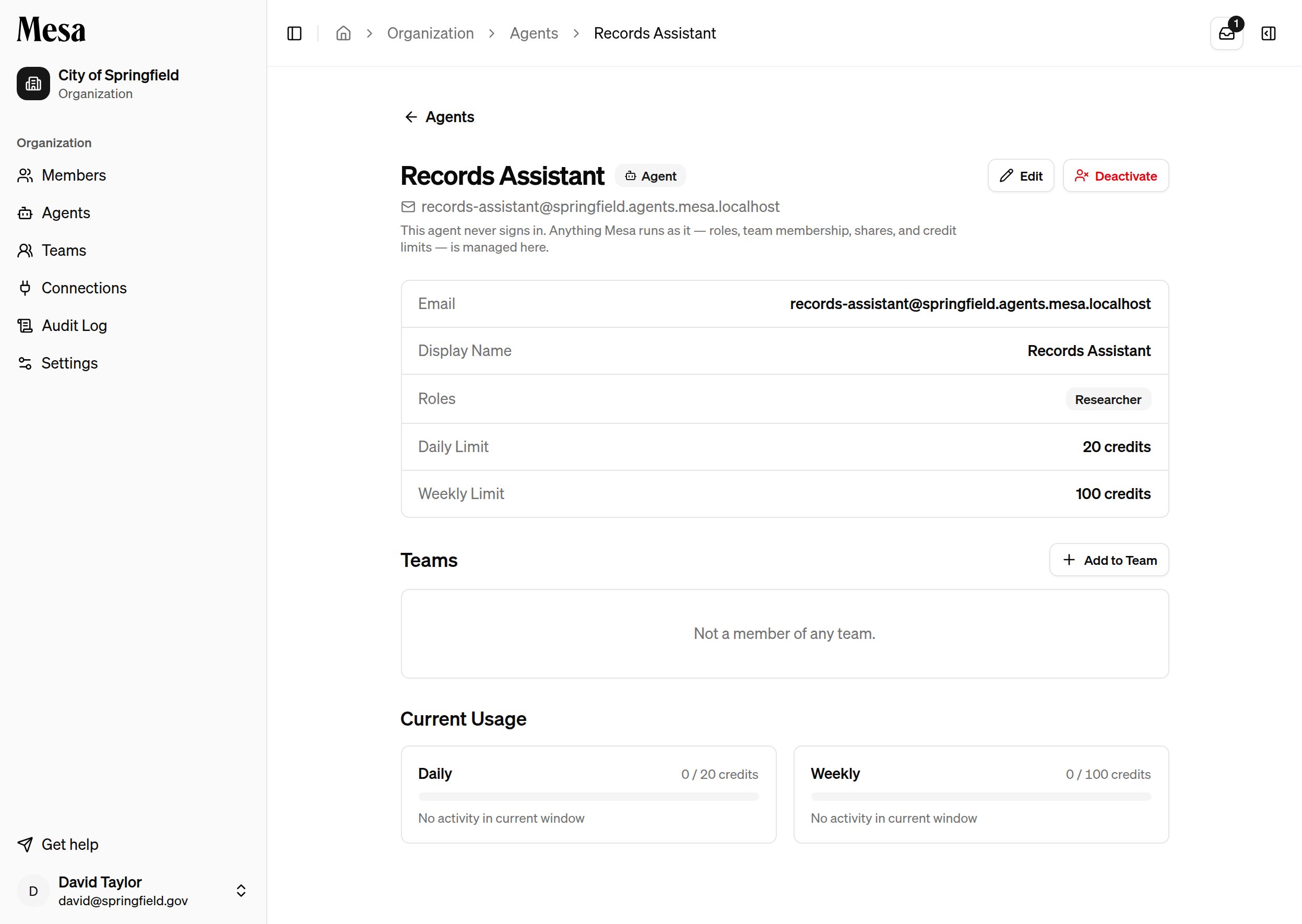
Click an agent in the list to open its page. An Agent badge sits next to its name. From here you can:- Click Edit to change its display name, roles, or credit limits.
- Click Add to Team to give it the roles of a team.
- Review its daily and weekly usage under Current Usage.
- Click Deactivate to stop Mesa from running work as the agent. Deactivated agents move to the Inactive list.
Related articles
Organization admin
Add members, assign roles, and monitor usage across your workspace.
Teams
Group members and agents into teams that share the same roles.
Organization audit log
Review activity across your organization, including work done by agents.