> ## Documentation Index
> Fetch the complete documentation index at: https://support.calderapbc.com/llms.txt
> Use this file to discover all available pages before exploring further.
# Incognito mode
> Start a private conversation that stays out of your history and leaves your memories untouched.
Incognito mode is for the questions you don't want Mesa to remember. An incognito conversation runs without your saved [memories](/preferences), never creates new ones, and stays out of your conversation history. It's useful for one-off or sensitive research you don't want shaping future answers.
## Start an incognito conversation
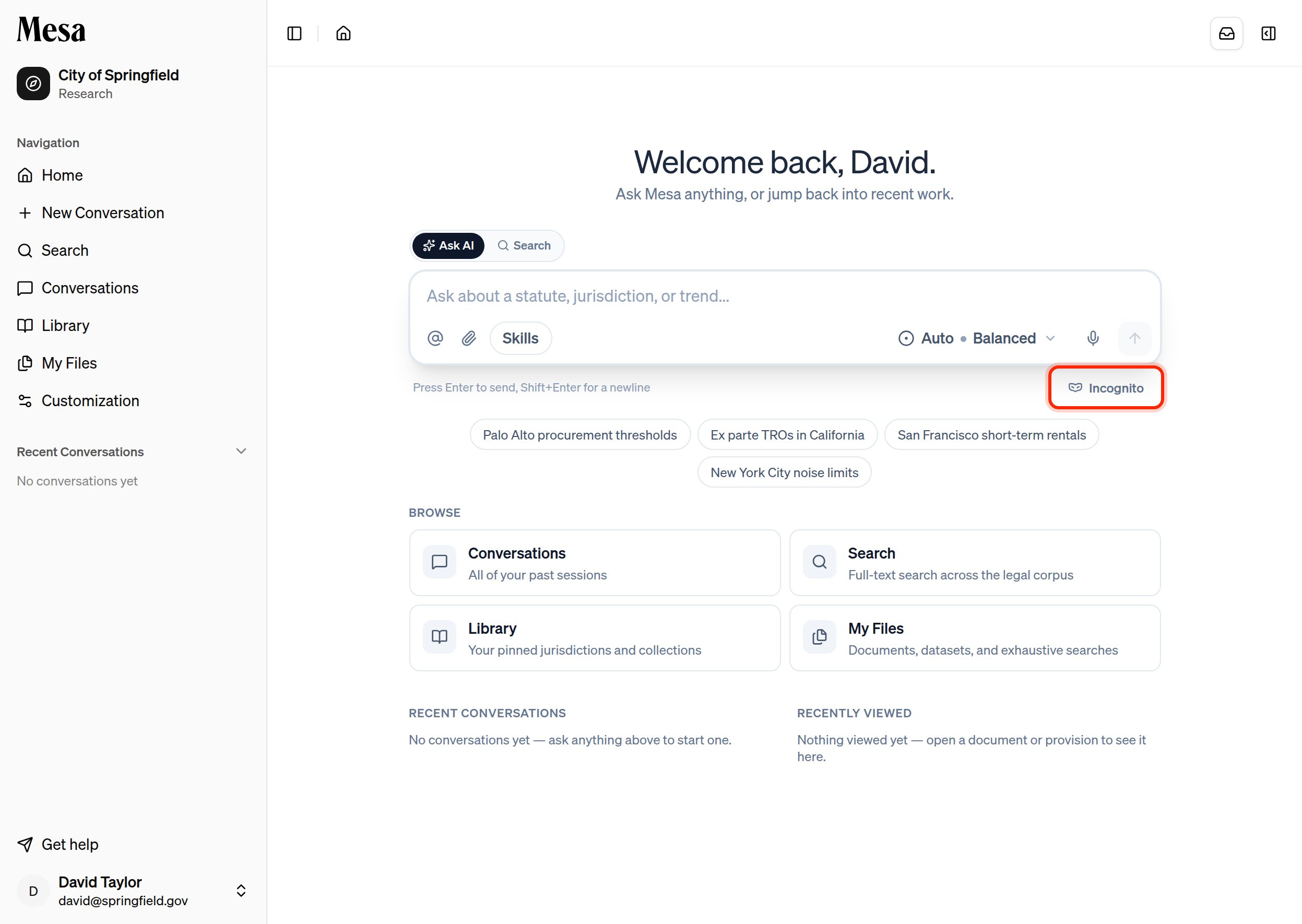
Go to the **Home** page or start a **New Conversation**. Both composers have an **Incognito** toggle beneath the message box.
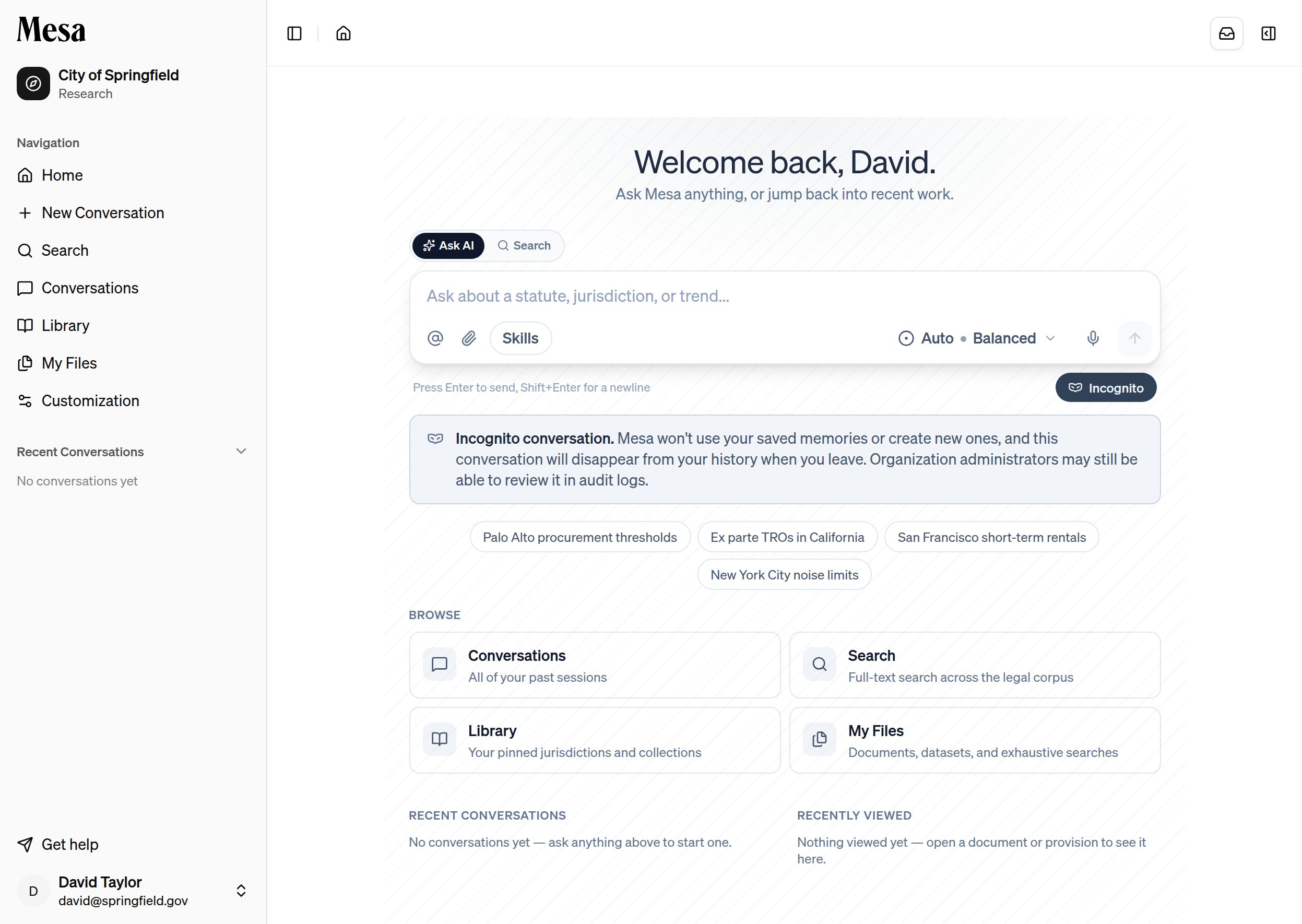
Click **Incognito**. The toggle fills in and a notice confirms the conversation is private.
 Send your message as usual. The conversation carries a subtle patterned backdrop and an **Incognito** badge so it's always clear you're in a private session.
 ## What incognito changes
| | Regular conversation | Incognito conversation |
| -------------------- | --------------------- | ------------------------- |
| Saved memories | Applied | Not used |
| New memories | Created automatically | Never created |
| Conversation history | Saved | Disappears when you leave |
Incognito is about memories and history, not audit. Your organization's administrators may still be able to review incognito conversations in audit logs, so it is not a way to hide activity from your organization.
An incognito conversation leaves your history the moment you navigate away. If you want to keep the work, save any results to your [Files](/files) before you go.
## Related articles
Manage the memories that incognito conversations deliberately skip.
Learn the rest of the composer controls around the Incognito toggle.
## What incognito changes
| | Regular conversation | Incognito conversation |
| -------------------- | --------------------- | ------------------------- |
| Saved memories | Applied | Not used |
| New memories | Created automatically | Never created |
| Conversation history | Saved | Disappears when you leave |
Incognito is about memories and history, not audit. Your organization's administrators may still be able to review incognito conversations in audit logs, so it is not a way to hide activity from your organization.
An incognito conversation leaves your history the moment you navigate away. If you want to keep the work, save any results to your [Files](/files) before you go.
## Related articles
Manage the memories that incognito conversations deliberately skip.
Learn the rest of the composer controls around the Incognito toggle.